




Shipping
Shipping in 5-10 business days
Description
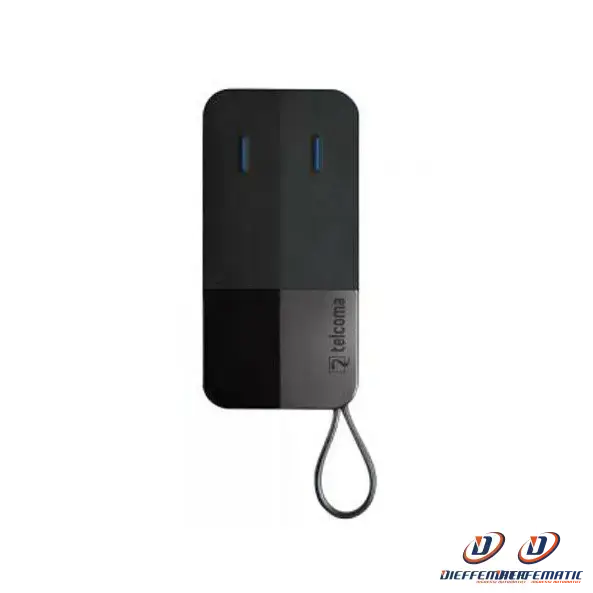
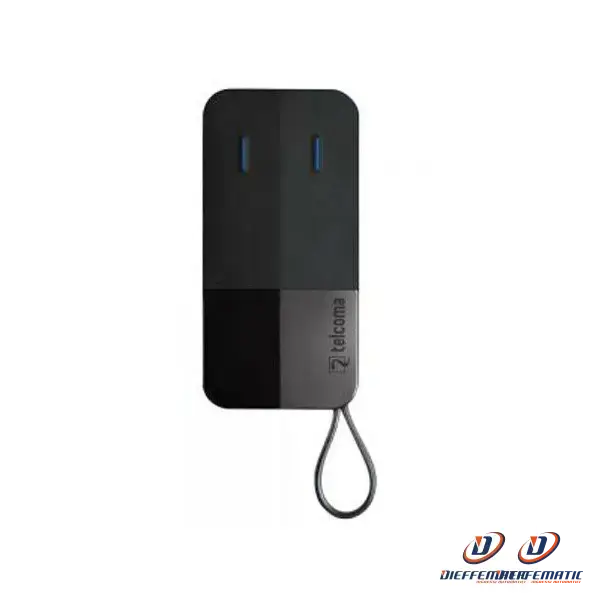
Remote control
TELCOMA / CARDIN
EDGE 2
2-channel
Professional
Now marketed under the CARDIN TRADE brand
1. Press and hold button 2 (top right) on the new remote control (to be programmed) and
at the same time, press button 1 (top left) on the same remote control.
2. Release button 1 (top left) only:
the LED the LED on the new remote control (to be programmed) will flash slowly.
3. Press and hold the button you want to copy to the remote control
already operating on the receiver: the the LED on the new remote control (to be programmed) will light up steadily steady light.
4. Release button 2 (top right):
the LED on the new remote control (to be programmed) will begin to flash quickly.
5. On the new remote control (to be programmed), press the button that we want to assign the new code
and release the button only when the LED on the new remote control (to be has lit up steadily.
6. Approach the receiver and press the remote control button just programmed until the automation activates.
24-month warranty
