





Shipping
Shipping in 5-10 business days
Description
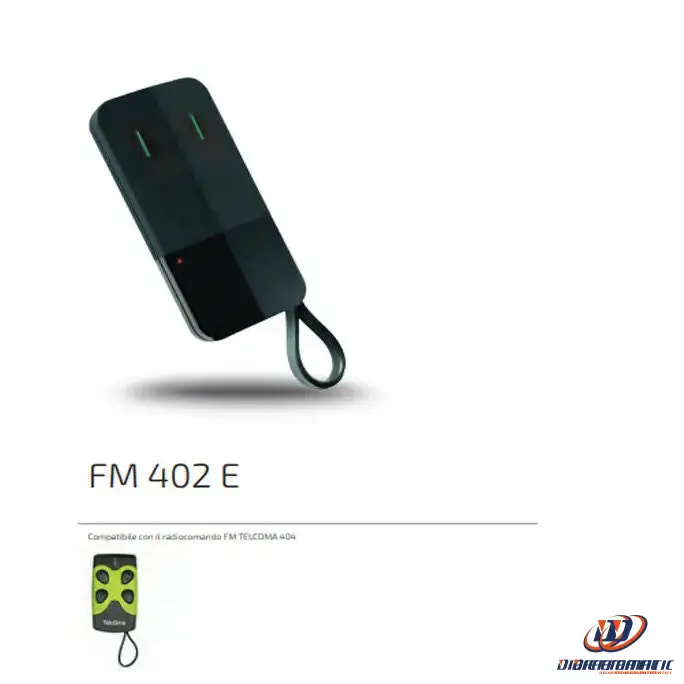
Remote control
TELCOMA CARDIN
FM402
2-channel
Professional
Now sold under the CARDIN TRADE brand
To enable the new remote control, you must access the
on the receiver control unit to access the programming buttons
programming.
1. Press and release button P1 (on the receiver): LED L1
will flash 5 times.
2. While the receiver LED is flashing, press the button
of the new remote control (to be coded) that you wish to
program.
3. LED L1 (on the receiver) will light up for about three seconds
to confirm that the code has been stored correctly.
4. LED L1 will resume flashing, waiting for a new
remote control; if it does not receive one within 5 flashes
the receiver will automatically exit programming mode.
programming.
5. Follow the same procedure for the other button (P2 on the
receiver).
NOTES:
1. All the receiver LEDs flashing simultaneously during
the programming phase indicates that the remote control is already
enabled
2. All the receiver LEDs flashing alternately during
programming indicates that the memory is full.
24-month warranty
